
 By Owen Palmer
A motion sensor can turn on a light, send an alert, or tell your smart home that a room is occupied. The two main technologies behind these sensors — passive infrared (PIR) and millimeter-wave (mmWave) — work very differently and excel at different tasks. This guide explains how each one works, where each fits best, and how to avoid the false triggers that annoy many owners.
The short answer
PIR sensors detect large changes in heat caused by someone or something moving across their field of view. They are dependable, power-efficient, and inexpensive to make, but they cannot tell whether a person is sitting still. mmWave sensors use reflected radio waves to detect tiny movements, including breathing, so they can tell whether a room is truly occupied. Their downside is that moving fans, curtains, and passing traffic can cause false positives unless you adjust the sensitivity.
How PIR sensors detect movement
A PIR sensor measures infrared radiation across a grid of zones created by a plastic lens. A warm object such as a person emits infrared heat, and when that warmth moves from one zone to another, the sensor registers a change and triggers. Because the sensor relies on changes, it is naturally good at detecting a person walking through a doorway or across a room.
The reason PIR sensors miss people who are sitting still is the same: when there is no change in the heat signature, the sensor has nothing to trigger on. A person reading on a sofa or typing at a desk will not be detected until they shift position or stand up.
Detection zones
PIR sensors do not cover space evenly. The lens splits the field into multiple wedge-shaped zones, and the sensor only reacts when an object crosses from one zone to another. Some sensors allow you to adjust the detection pattern by masking part of the lens, while others offer settings in the app. Check the spec sheet and the manufacturer page to understand the coverage of the particular model.
Pet-immune settings and placement
If you have a dog or cat, look for a sensor with pet-immune settings. These designs reduce sensitivity to small warm bodies moving close to the ground. Placement does the rest: mount the sensor high enough and angle it so the lower detection zones skim over the head of your pet. Follow the manufacturer’s instructions, because the correct height depends on the sensor’s lens pattern.
How mmWave presence sensors work
Instead of heat, an mmWave sensor sends out radio waves in the millimeter wavelength range and listens for the reflected signal. When something moves, the reflected waves change. A key advantage of mmWave is that it can detect very small movements — the rise and fall of a person’s chest, a hand on a keyboard, or someone sitting in a chair. Because it can detect presence without requiring gross motion, it is often called a presence sensor rather than a motion sensor.
That sensitivity comes with a catch. Ceiling fan blades, swaying curtains, blinds moving in a draft, and even reflections from a rotating pedestal fan can mimic the signature of movement. Many mmWave sensors include adjustable sensitivity, detection zones, and filters in the app to ignore repetitive motion. If you are chasing false triggers, start by turning down the sensitivity and then masking zones that point at the fan, window, or vent.
Zones and configuration
MmWave sensors can often be configured with specific zones within their coverage range. You can tell the sensor to ignore an area where a fan sits or to detect only activity in a particular part of the room. The level of configurability varies by model, so read the manual and experiment with the settings after installation.
Combined PIR and mmWave sensors
Some sensors combine both technologies in a single device. The PIR element serves as a low-power wake-up trigger, while the mmWave element confirms whether the room is actually occupied. This combination addresses the main weaknesses of each technology: the PIR prevents the sensor from constantly scanning when nothing is happening, and the mmWave catches the person who is sitting still.
Combined sensors are a good middle ground if you want both energy efficiency and true presence detection. Keep in mind that the added hardware increases the power draw compared with a simple PIR sensor, so check the power options before choosing one.
Side-by-side comparison table
| Feature | PIR | mmWave | Combined |
|---|---|---|---|
| Detects movement | Yes | Yes | Yes |
| Detects a still person | No | Yes | Yes |
| Typical power draw | Low | Higher | Moderate |
| Battery friendly | Yes | Less | Depends on model |
| Common false triggers | Heat vents, sunlight, pets | Fans, curtains, moving reflections | Lower overall |
| Best for | Walk-by lighting, security alerts | Continuous occupancy in rooms | Rooms where both motion and presence matter |
When PIR is the better choice
Choose a PIR sensor when you need a simple motion trigger and long battery life. A classic example is a wireless sensor on a hallway wall that turns on a light as you walk past. Because PIR sensors draw very little power, they work well in battery-powered devices that you can mount almost anywhere without running cable.
PIR sensors are also a strong option for pet-immune setups. The combination of a pet-immune lens and careful mounting lets you cover a room without triggering every time your cat walks by. If your goal is a notification when someone opens a door or enters a room, a PIR sensor paired with a door and window contact sensor gives you a complete entry alert without the complexity of presence sensing.
When mmWave is the better choice
Choose mmWave when you need to know whether a room is occupied, not just whether something moved. Home offices, living rooms with reading chairs, and media rooms where people sit still are the classic use cases. A lamp or ceiling light can stay on for as long as someone is in the room, then turn off a short while after they leave, without you having to wave an arm.
MmWave presence sensors are also useful for alerts that care about stillness. For example, you may want an alert if a person stays in a room they should not be in, even if they are hiding. In a nursery or elderly-care setup, presence sensing can detect that someone is still in the room based on breathing, which a PIR sensor cannot do.
Because mmWave sensors consume more power, they usually need a constant power source such as a USB adapter or wired connection. Make sure the location has an outlet or an appropriate power connection before committing to this type.
Detection zones, placement, and pet immunity across both types
Whichever technology you choose, placement is the single most important factor. For PIR sensors, position the sensor so a person will walk across the detection pattern rather than straight toward it. Keep the lens away from direct sunlight, space heaters, and heating vents, because strong heat sources can cause false triggers or keep the sensor from resetting.
For mmWave sensors, avoid pointing them at ceiling fans, large metal objects, or windows with moving curtains. Many models let you set an ignore zone or reduce the sensitivity of a particular area. This is especially useful in a home with pets: you can keep a zone that covers a dog bed while ignoring the floor areas your pet walks through.
Pet immunity works differently in the two technologies. In PIR sensors, pet immunity is usually built into the lens and firmware to ignore small warm bodies. In mmWave sensors, the reflection pattern of a pet is often distinguishable from a human, but the software may still trigger on a large dog moving quickly. Check the device box or the manufacturer page for pet-immune features, and never assume a sensor is pet-safe just because it uses a newer technology.
Power and wiring considerations
Battery-powered sensors are the easiest to install and relocate, but they restrict how often the sensor can communicate and how closely it can listen. PIR sensors are the classic battery choice because their power draw is low. MmWave sensors, especially those with continuous presence detection, draw more power and are usually plugged into a wall adapter or wired into a junction box.
If you want a battery-powered presence sensor that detects still people, look for a model designed specifically for low-power operation. These exist but are less common, and the firmware may wake periodically instead of listening continuously. Read the manufacturer’s instructions to understand the trade-off between battery life and responsiveness.
Protocols and compatibility
Both PIR and mmWave sensors are available across the major smart home protocols, including Wi-Fi, Bluetooth, Zigbee, Z-Wave, and Matter over Thread. The right choice depends on the hub or app you already use. Before buying, check the box or the manufacturer page for the protocol and for Matter support, because Matter support varies by manufacturer and firmware.
If you are starting from scratch, read the smart sensor overview to see how sensors fit into a broader setup, and review the motion sensor guide for the basics of placement and automation.
Use cases for lighting, alerts, and occupancy
Think about what the sensor should do after it detects something. For motion-activated lighting in a hallway or closet, a PIR sensor is usually enough. You only need a short light-on time, and the person will be moving. For lighting that should stay on while someone is seated, such as in a home office or bathroom, an mmWave presence sensor is the better tool.
For security alerts, both technologies work, but they tell you different things. A PIR alert tells you that something moved. An mmWave alert can tell you that a person is present and has not left. In a bedroom or an office, the difference between “something moved” and “someone is here” matters.
For occupancy-based energy savings, mmWave is the clear winner because it can turn off the lights, heating, or cooling a short time after a person leaves, even if that person left without standing up in view of the sensor. In rooms with a slow-moving object like a ceiling fan or a door curtain, you will need to configure the zone and sensitivity settings carefully.
Upkeep and long-term ownership
All sensors need some attention over time. Plan on checking battery levels periodically and replacing batteries when the app reports a low level. PIR sensors generally need batteries replaced far less often than mmWave sensors because their power consumption is much lower.
Firmware updates matter for mmWave sensors. The algorithms that separate a person from a fan or a curtain improve over time, so install updates when the app offers them. For PIR sensors, the physical lens may need a wipe now and then to remove dust or cobwebs; follow the manufacturer’s cleaning instructions.
Revisit your placement after changes in the room. Moving a fan, adding a floor lamp, or rearranging furniture can change how both types of sensors behave. If you start seeing false triggers, make adjustments in the sensor’s app first, then move the sensor if needed.
Top Picks to Compare
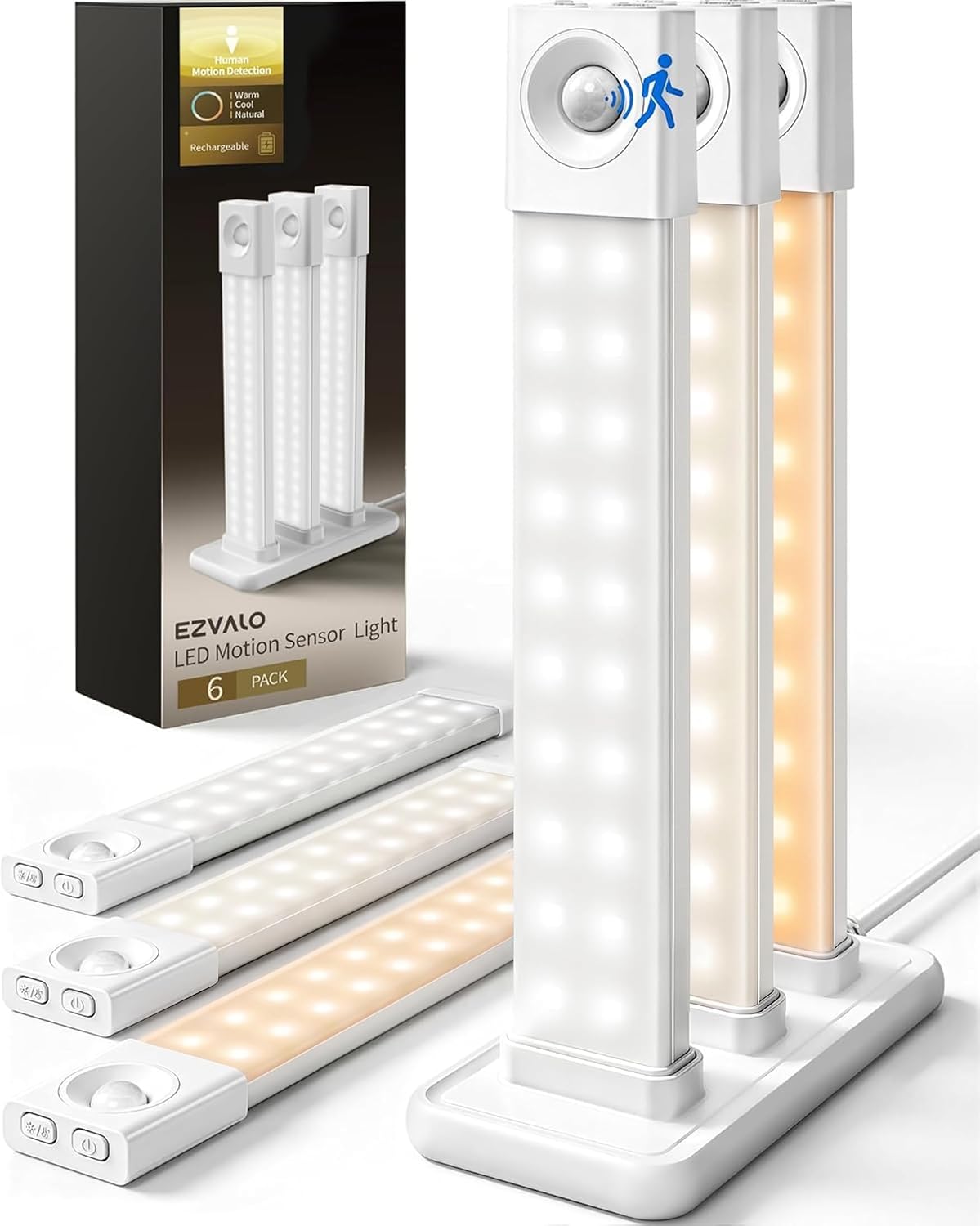
If you would rather start from a short list, these are popular options on Amazon for this search. Check each listing’s details, size and current price before you buy.



FAQ
Can a PIR sensor detect a person sitting still?
No. A PIR sensor only responds to a change in the infrared pattern across its detection zones. If a person is still, there is no change to detect. For presence detection of a stationary person, choose an mmWave sensor or a combined sensor.
Why does my mmWave sensor trigger on a fan or curtains?
MmWave sensors detect any movement that changes the reflected radio wave pattern. A rotating fan, moving curtain, or swaying blind produces a change that the firmware may interpret as movement. Reduce the sensitivity, set an ignore zone for the object, or move the sensor so the object is outside its field of view.
Battery-powered or wired sensor: which should I pick?
Battery power suits a PIR sensor that only needs to detect occasional motion. Wired or USB power suits mmWave sensors that monitor continuously and need the higher power budget. If you prefer a battery-powered presence sensor, verify how the manufacturer configured the power use and what it means for response time.
Do these sensors work with my existing smart home setup?
Compatibility depends on the protocol of the sensor and the capabilities of your hub or app. Look for Zigbee, Z-Wave, Wi-Fi, Bluetooth, or Matter support on the product page. Check the device box or the manufacturer page before buying; Matter support in particular depends on the firmware version of both the sensor and the hub.
Choosing between PIR and mmWave comes down to what you need the sensor to notice. If you want reliable motion-triggered lights and simple security alerts, a PIR sensor is hard to beat. If you want a room to know that you are still in it, an mmWave presence sensor is the right tool. For the best of both, look for a device that combines the two technologies and then take the time to adjust the zones and sensitivity settings so it only reports what you care about.
About Owen Palmer
Owen Palmer is part of our editorial team and reviews and edits our smart home guides, checking product details against manufacturer specifications and owner feedback.





