
Smart Device Not Connecting to Wi-Fi? A Troubleshooting Guide
A step-by-step guide to fixing smart device Wi-Fi connection issues, covering 2.4 GHz requirements, router settings, and app permissions.

Some links on this page are affiliate links. If you buy through them, we may earn a commission at no extra cost to you. As an Amazon Associate I earn from qualifying purchases. Learn more ›

146 articles published
A step-by-step guide to fixing smart device Wi-Fi connection issues, covering 2.4 GHz requirements, router settings, and app permissions.
A guide to presence detection methods: phone geofencing, Wi-Fi, Bluetooth beacons, and mmWave sensors, plus how to build safe arrive/leave routines.
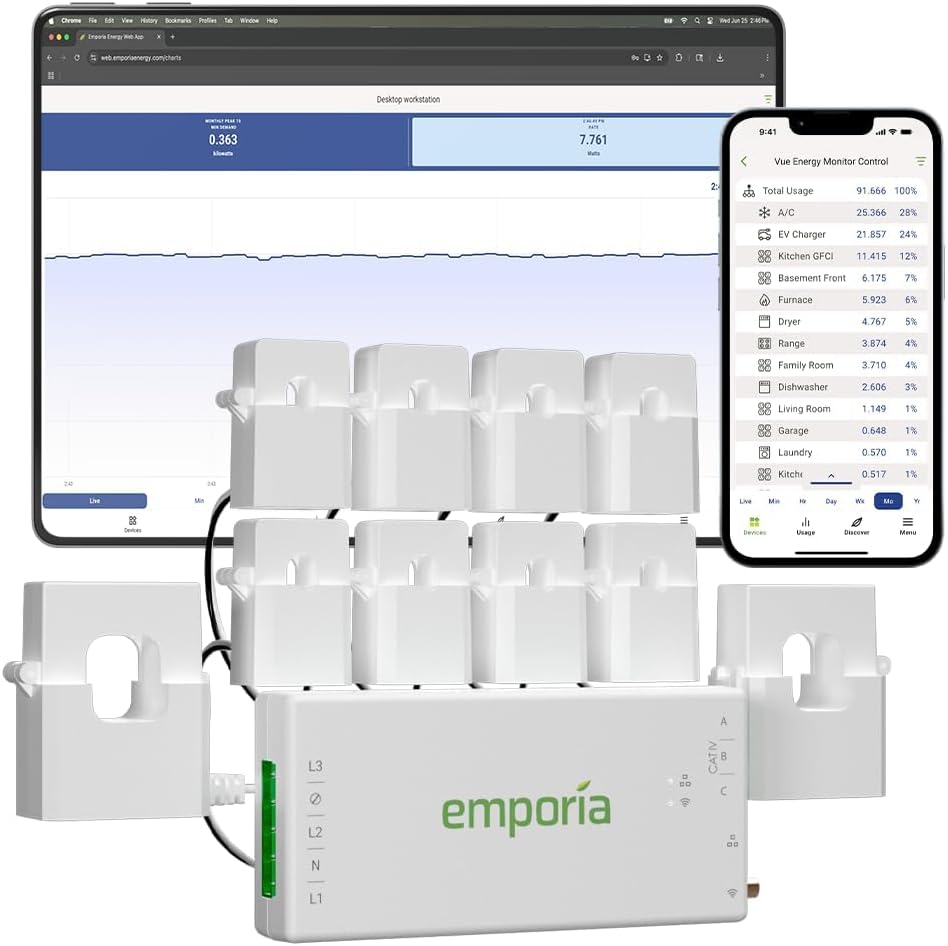
CT clamp monitors measure current at your electrical panel to show whole-home energy use. They require electrician installation and provide detailed consumption data.
Wi-Fi is the easiest way to add smart devices, but it has limits: router capacity, battery hunger, and cloud dependence. Use this guide to know when it is a good fit.
Bluetooth smart home devices offer simple phone control without a hub, but have range limits and require a bridge for remote access. Bluetooth Mesh improves range for lighting and sensors.
Zigbee is a low-power mesh protocol that lets smart home devices talk to each other. Learn how coordinators, routers, and end devices work.
Thread is a low-power IP-based mesh protocol for smart home devices. Learn how border routers, sleepy end devices, and Matter make it work, plus how it compares to Zigbee.
Z-Wave uses a sub-GHz radio to avoid Wi-Fi interference, forms a mesh network, and offers Long Range for larger properties. Learn about hubs, security, and compatibility.
Matter lets you share smart home devices across ecosystems, but platform differences still matter. Compare device support, automations, privacy and multi-admin setup.
Build a smart home in stages. Start with a foundation of smart plugs and a controller, then add lights, sensors, and security as your budget allows.