By Colin Foster
When you set up a smart home that uses Matter devices over a Thread network, two key components make everything run: a Matter controller and a Thread border router. The Matter controller handles device pairing, sending commands, and allowing one device to work with multiple smart home platforms. The Thread border router connects Thread devices (like sensors and lights) to your existing Wi-Fi or Ethernet network so they can communicate with the controller and your phone. This article explains what each does, what types of devices serve as controllers and border routers, how multiple border routers interact, and tips for a smooth setup.
What a Matter Controller Does
A Matter controller is the brain of a Matter-based smart home. Its main job is to commission (add) Matter devices and then control them. When you add a new Matter light bulb or lock, the controller handles the pairing process, often using a QR code or a numeric code. After pairing, the controller stores the device’s credentials and sends commands like turn on, dim, or lock.
One of the most useful features of a Matter controller is multi-admin. This means you can pair a single Matter device to multiple controllers from different smart home platforms. For example, a light switch could be controlled from your voice assistant app and from a separate automation hub at the same time. The device appears in both platforms because each platform is added as a separate administrator with its own secure credentials. Matter devices are expected to support several administrators, but features can differ between platforms, so check the device packaging or manufacturer’s specifications.
Without a Matter controller, you cannot use Matter devices at all. Many common smart home devices include a built-in Matter controller. For instance, some smart speakers, smart displays, streaming boxes, and dedicated hubs act as controllers. The controller must remain powered and connected to your network at all times for remote access and automation to work.
What a Thread Border Router Does
Thread is a low-power wireless protocol that creates a mesh network among battery-powered devices like sensors and locks. However, Thread devices cannot directly connect to your home Wi-Fi or Ethernet network. That is where a Thread border router comes in. It acts as a bridge, translating between the Thread network and your local network (Wi-Fi or wired).
A Thread border router receives data from Thread devices and sends it to your Matter controller over your local network, and vice versa. For example, when you tell your voice assistant to check a Thread temperature sensor, the command goes from the controller to the border router, which passes it to the sensor over the Thread mesh. Border routers can also help extend the Thread mesh by participating in the network as a router node.
Many devices combine a Thread border router with a Matter controller in one box. For example, a smart speaker that supports Thread can serve both roles. Other devices, like some Wi-Fi access points and smart hubs, include only a Thread border router without a Matter controller. You need at least one Thread border router to use Thread devices, and at least one Matter controller to control them.
Devices That Act as Controllers and Border Routers
Here are the common categories of devices that may include a Matter controller, a Thread border router, or both. Always check the device specifications before purchase, because support varies by manufacturer and firmware version.
- Smart speakers and displays – Many popular voice assistant speakers and smart screens include a Matter controller and a Thread border router. They can commission and control Matter devices and bridge the Thread network.
- Streaming media players – Some streaming boxes and sticks include a Matter controller, and a few also have a Thread border router. They are usually always powered on, making them good candidates for always-on controllers.
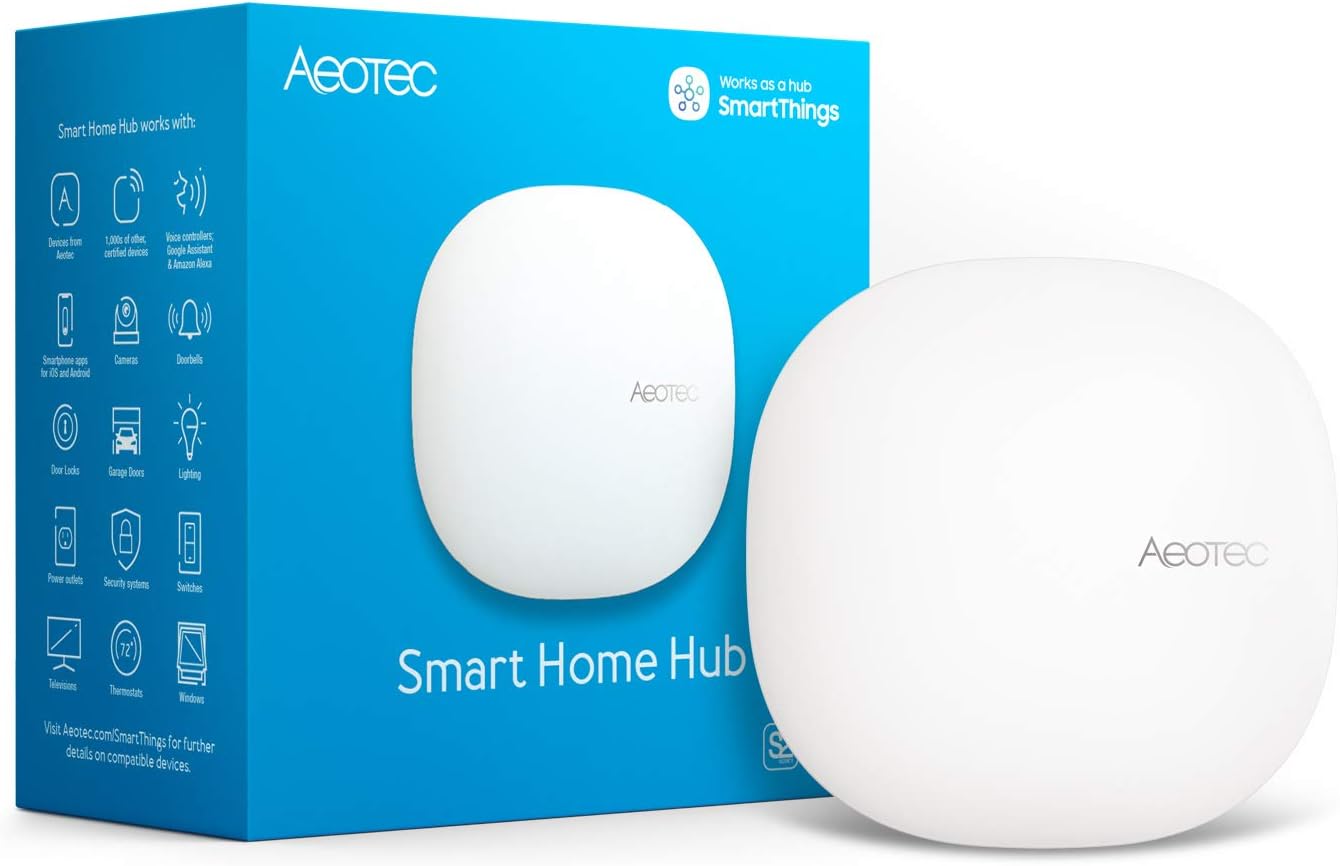
- Dedicated smart home hubs – Standalone hubs (sometimes called bridges or gateways) often include both a Matter controller and a Thread border router. They are designed to manage many devices and offer advanced automations.
- Wi-Fi routers and access points – Some modern mesh Wi-Fi systems include a built-in Thread border router. This helps Thread devices connect even if no other Thread border router is nearby.
- Smart appliances – A few refrigerators, ovens, or other large appliances have a Thread border router built in. They are less common but can extend network coverage.
If you already own a smart speaker or hub, check the manufacturer’s specifications or the device settings to see if it lists “Matter controller” or “Thread border router” support. Often a firmware update adds these capabilities, so keep your devices updated.
Multiple Border Routers and Thread Network Merging
Your home can have more than one Thread border router. Border routers that share the same Thread network credentials work together as one mesh, which improves coverage and gives you redundancy if one goes offline. Border routers from different platforms, however, may each create their own separate Thread network unless the platforms share network credentials, which some newer apps can do. Separate networks mean a device joined through one platform may not be reachable through the other platform’s border router. If you have connectivity problems after adding a border router, check in each app which Thread network it uses, keep firmware updated, and consider sticking to one platform’s border routers.
Note that a Matter controller reaches Thread devices through a border router, so adding more controllers for multi-admin does not change the Thread network itself.
Setup Tips for a Smooth Experience
Setting up Matter controllers and Thread border routers is usually straightforward, but here are practical tips based on common advice from manufacturers.
- Check compatibility – Before buying a new device, confirm it supports Matter controller or Thread border router functions. Look for the Matter logo and read the product description. Support can change with firmware, so check for updates.
- Keep all firmware updated – Matter and Thread are evolving standards. Manufacturers release updates that fix bugs and add features. Update your smart speakers, hubs, routers, and any other device that acts as a controller or border router.
- Position border routers wisely – Thread border routers work best when they are within wireless range of your Thread devices and your Wi-Fi router. Avoid placing them in metal cabinets or behind large appliances. A central location in your home helps the Thread mesh connect.
- Use a single smart home platform as the primary controller – While multi-admin lets you use multiple platforms, it is simpler to pair your Matter devices with one primary controller first. After pairing, you can share them to other platforms if needed. This reduces confusion if something goes wrong.
- Label your devices in the app – When you have multiple controllers and border routers, it helps to give each device a clear name (e.g., “Living Room Speaker”) so you know which one to troubleshoot or update.
- Test multi-admin after setup – If you want a device to appear in two apps, pair it to the first controller, then use that app’s option to share or turn on pairing mode for the device, which generates a new setup code, and enter that code in the second app. The device should appear in both. If it doesn’t, check that both controllers support multi-admin and that you have the latest firmware.
Reference Table: Controller vs Border Router
| Role | Primary Function | Protocol | Multi-Admin | Example Devices |
|---|---|---|---|---|
| Matter Controller | Commissioning, controlling, sharing devices | Wi-Fi, Thread (indirectly) | Yes (shares control across platforms) | Smart speakers, displays, streaming boxes, hubs |
| Thread Border Router | Bridges Thread mesh to Wi-Fi/Ethernet | Thread, Wi-Fi, Ethernet | No (just a network bridge) | Smart speakers, hubs, mesh Wi-Fi nodes, some appliances |
Many devices perform both roles, but keep in mind that a device can be a Matter controller without being a Thread border router, and vice versa.
FAQ
Do I need both a Matter controller and a Thread border router?
Yes, if you plan to use Matter devices that communicate over Thread. You need at least one Matter controller to set up and control the devices, and at least one Thread border router to connect those devices to your network. Some devices combine both functions, so a single smart speaker might cover both needs.
Can I use a Thread border router without a Matter controller?
You can use a Thread border router for non-Matter Thread devices (for example, some sensors that use Thread but not Matter), but for Matter over Thread, a controller is required. The border router alone cannot commission or manage Matter devices.
What happens if I have multiple Thread border routers from different brands?
They form a single Thread network only if they share the same network credentials; otherwise you may end up with two separate Thread networks. Some platforms can share credentials with each other, but support varies. If devices drop off, check which Thread network each border router uses in its app, keep firmware updated, and consider sticking to one platform’s border routers.
How do I know if my device is a Matter controller?
Check the product specifications on the manufacturer’s website or the device packaging. Look for “Matter controller” or “Matter hub.” A “Matter bridge” is something different: it makes non-Matter devices visible to Matter platforms. Also, many devices will indicate in their app settings whether they function as a Matter controller. The Connectivity Standards Alliance maintains a certification database, but a simpler method is to search for your device model plus “Matter controller support.”
Understanding the difference between a Matter controller and a Thread border router helps you choose the right devices for your smart home setup. Both are essential for a reliable Matter over Thread network, and many devices combine them for convenience. For more details, read our guide on Matter Controllers and Thread Border Routers and explore the broader topic of Hubs and Controllers. If you are looking for general hub advice, see our Smart Home Hub Guide. With the right components and a little planning, you can build a responsive and multi-platform smart home that works well over Thread.
About Colin Foster
Colin Foster is part of our editorial team and reviews and edits our smart home guides, checking product details against manufacturer specifications and owner feedback.