
 By Claire Whitaker
When you start shopping for a smart thermostat, you will mostly see two approaches: learning models that build a schedule by observing when you adjust the temperature, and programmable smart models that follow a schedule you write in the app. The right choice depends on how predictable your routine is, whether your home has hot or cold rooms, and what your heating and cooling system can support. This buying guide explains how these types differ, how geofencing and remote sensors change the experience, and how to read energy-saving claims with healthy skepticism.
The Short Answer
Learning thermostats aim to automate comfort: you set the temperature when you are home and when you sleep, and the device uses those adjustments plus your phone’s location to build a routine. Programmable smart thermostats put the control in your hands: you create time-based setpoints, override them with the app, and use geofencing for leaving and arriving. If you hate schedules and follow the same pattern daily, a learning model may be worth it. If your life is irregular or you want total predictability, a programmable smart model is usually the more straightforward fit. Either way, check compatibility and look for rebates from your utility.
For a broader look at the category, start with the main smart thermostat guides before comparing specific features.
How Learning and Scheduling Models Work
Learning thermostats
Learning thermostats watch your behavior for a warm-up period after installation. During that time, you adjust the temperature manually as you wake up, leave, come home, and go to sleep. The thermostat learns those patterns and eventually sets the schedule for you. Some models also use motion sensors inside the device or your phone’s location to detect when nobody is home, then switch to an energy-saving setpoint. You can still override the schedule at any time, and the device may adapt if your routine changes.
Keep in mind that learning does not mean the device knows what you find comfortable. It only knows what you did. If your schedule is chaotic or you frequently override the same setting, the learning model may keep guessing instead of settling into a routine.
Programmable smart thermostats
Programmable smart thermostats work like traditional programmable models but with a connected app. You set morning, daytime, evening, and nighttime temperatures, and the thermostat switches between them automatically. The app lets you edit the schedule remotely, and many models allow different schedules for different days of the week. Because the behavior is predictable, these models appeal to people who like to know exactly what the house will do, and they are often easier to explain to a partner or housemate.
Some programmable models also include smart features beyond scheduling, such as geofencing, energy reports, and filter reminders. The line between the two categories can blur, so read the product description carefully instead of relying on the product name.
Geofencing and Occupancy
Geofencing uses your phone’s location to put the thermostat into an away mode when you cross a virtual boundary around your home. When you get close, the thermostat wakes the heating or cooling so the house is comfortable by the time you arrive. This works well for people with irregular schedules because it does not rely on a fixed time schedule.
Occupancy sensing is different. A thermostat with built-in motion detection, or one paired with a separate occupancy sensor, can tell whether someone is physically in the room. This is most useful for households with pets, because a pet will not trigger a phone-based geofence but may trigger a motion sensor, which keeps the schedule running.
Privacy is a fair trade-off to consider. Geofencing requires your phone’s location to be shared with the app, and some services keep a history of when you come and go. Read the app’s privacy settings and decide whether the convenience is worth it. You can also disable geofencing and rely on a fixed schedule if you prefer.
Remote Room Sensors
A thermostat measures temperature where it is mounted, which is often in a hallway or a room away from where you actually sit. If your living room gets too warm or the bedroom stays cold, the thermostat may not capture that. Remote room sensors solve this by sending temperature data from other rooms to the thermostat.
Typical setups include a small wireless sensor that you place on a shelf or nightstand. You can tell the thermostat which sensor to prioritize during different times of the day, such as using the bedroom sensor at night and the living room sensor in the evening. Some systems average all sensors, while others let you choose one primary sensor. Check the app to see which behavior your model supports.
Not every smart thermostat supports remote sensors, and the sensors are not interchangeable between manufacturers. Some are sold in bundles with the thermostat, others separately, and some systems need a hub or a specific wireless standard. If an even temperature across your home is important, confirm that the model you are considering is compatible with additional sensors. For rooms that still feel stuffy, a smart ceiling fan can help move air and improve comfort, but it will not fix a room that is genuinely colder or hotter.
Side-by-Side Comparison
| Feature | Learning Thermostat | Programmable Smart Thermostat |
|---|---|---|
| How the schedule is created | Automatically from your adjustments | You set time-based temperatures in the app |
| Setup effort | Needs a training period before it settles | Usually quick to configure |
| Adapting to changes | Adjusts on its own over time | You update the schedule manually |
| Geofencing | Supported on many models | Supported on many models |
| Remote sensors | Available on some models | Available on some models |
| Energy reports | Often built into the app | Often built into the app |
| Best for | Predictable routines and hands-off users | Irregular schedules and people who want full control |
When a Learning Thermostat Makes Sense
Choose a learning model if you and your household follow a fairly consistent weekly rhythm. If you go to bed at about the same time, leave for work at about the same time, and come home at about the same time, a learning thermostat can take over the repetitive part of temperature control and keep adjusting when you nudge it. It also helps if you rarely open the app and prefer the device to do the thinking.
A learning model is a weaker fit for shift workers, people who travel often, or households where one person works from home and another commutes. In those situations, the thermostat may keep guessing and you will keep overriding, which can be more annoying than just editing a schedule a few times a week.
When a Programmable Smart Thermostat Makes Sense
A programmable smart thermostat is the better fit when you want certainty. If your schedule changes from week to week, you can edit the schedule in the app or simply override the temperature for the day. It also works well if the household has different needs on weekends, because most apps let you create separate weekend schedules.
These models are also a popular choice for a second home, a rental property, or a home where the HVAC system is older. You can keep the behavior conservative, set clear away temperatures, and let geofencing handle the rest. If you want to see exactly what the device is doing at a glance, a programmable model with a clear screen and straightforward controls may satisfy you more than a learning model that hides its logic inside an algorithm.
Energy Savings Claims, Explained Cautiously
Manufacturers and energy programs often describe smart thermostats as a way to cut your heating and cooling bill. The honest version is that any savings come from using less energy, not from the device itself. A thermostat that adjusts the temperature while you are asleep or away can reduce run time compared to a thermostat left at one temperature all day. But the size of the effect depends on your climate, your home’s insulation, the efficiency of your HVAC system, your personal comfort preferences, and whether you actually let the schedule take effect.
Treat single-number savings claims with skepticism. A percentage that looks impressive for one home may be smaller in another. What matters is whether the thermostat offers a setback schedule you can live with, reports that show run time, and an app you will actually use. The word smart does not guarantee a lower bill.
ENERGY STAR certification is a more grounded signal. ENERGY STAR maintains a product category for smart thermostats, and certified models must meet the program’s requirements for energy-saving features, including automatic temperature setbacks and user-friendly controls. Certification does not promise a specific bill reduction, but it does mean the product was designed with energy efficiency in mind. You can check the ENERGY STAR smart thermostat listing to see which models qualify. If you want more background, see Smart Thermostat Baseboard Heaters: 3 Best Picks for Electric Heat (2026).
Compatibility, C-Wire and Your Heating System
Before you buy, check that the thermostat works with your heating and cooling equipment. Most furnaces, central air conditioners and heat pumps use low-voltage thermostat wiring, but electric baseboard heaters and other line-voltage systems need different control methods. A typical smart thermostat will not work with line-voltage baseboard heating unless the product is specifically made for that duty. If you have a heat pump, verify that the model supports it and that the app offers the right modes for auxiliary heat and defrost.
Power is another compatibility issue. Many smart thermostats draw power from a common wire, called a C-wire, that runs between the thermostat and your HVAC equipment. Homes with older wiring may not have one. Some smart thermostats can work without a C-wire by using a power extender kit or by harvesting power from the existing wires, but the installation instructions must be followed closely. Read the C-wire compatibility guide to understand what to look for before you open the old thermostat.
Some modern smart thermostats support the Matter standard, which can let them work with different smart home systems through a compatible hub. Support depends on the specific model and on firmware updates, so check the product box or manufacturer page before assuming interoperability. If you plan to use a voice assistant, confirm that the thermostat supports that assistant, because compatibility is not universal. You can also browse the wider smart climate section to see how thermostats fit into a complete home setup.
Utility Rebates and Demand Response Programs
Many utilities, energy cooperatives, and state programs offer rebates to encourage smart thermostat installation. The rebate might come as a credit on your bill or a direct incentive after purchase, and the rules vary widely. Check your utility’s website, call their customer service line, or search their rebate catalog before you buy so you know the eligibility requirements and whether the model you want qualifies.
Some utilities also run demand response programs. On hot summer afternoons or cold winter mornings, the utility may send a signal that adjusts participating thermostats to a slightly different temperature to reduce strain on the grid. In exchange, you might receive an enrollment credit or ongoing bill savings. Read the program terms before joining. You should know when adjustments happen, how large the temperature change can be, and how to opt out temporarily or permanently. Joining is optional, and a good program will let you keep control of your home.
Installation Safety
Installing a smart thermostat is a do-it-yourself project for many people, but it involves live wiring. Always turn off power at the breaker before removing the old thermostat or connecting wires. Confirm that power is off by checking the display or using a non-contact voltage tester according to the manufacturer’s instructions.
Before disconnecting anything, take a clear photo of the existing wires and note which terminal each wire connects to. Label the wires with masking tape and write down the terminal letters so you can match them to the new thermostat. The new thermostat’s manual will show which terminals to use, and in most cases the wire colors match, but you should rely on the terminal labels, not the color alone.
If your system is a heat pump, a dual-fuel system, or a high-voltage electric heating system, or if the wiring looks unfamiliar, hire a licensed HVAC professional or electrician. The same applies if you are uncomfortable working at the breaker. Turning off the wrong circuit, shorting wires, or connecting a low-voltage thermostat to a line-voltage system can damage equipment or create a fire hazard. Follow the manufacturer’s instructions and defer to the qualified professional when you have any doubt.
Top Picks to Compare
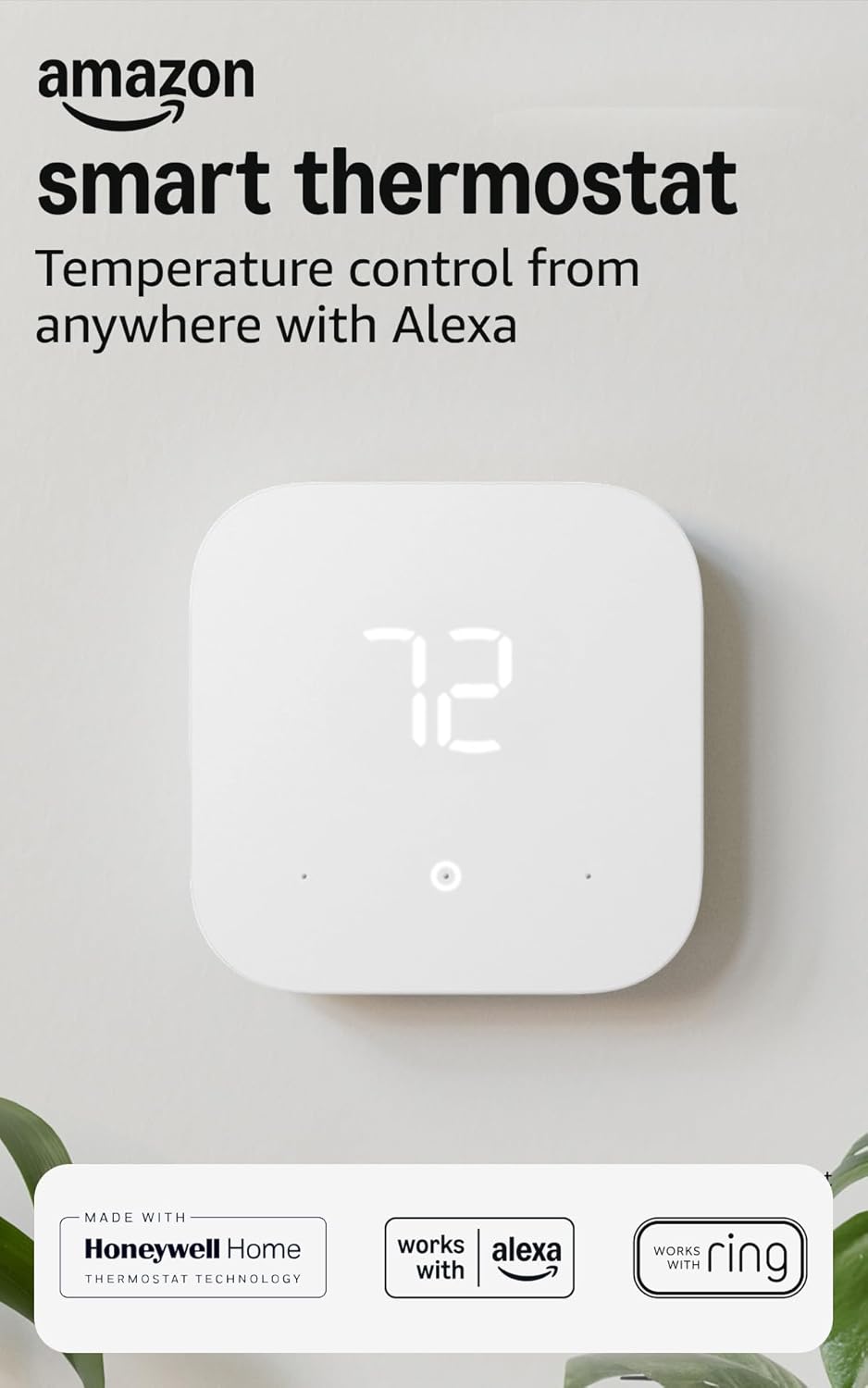
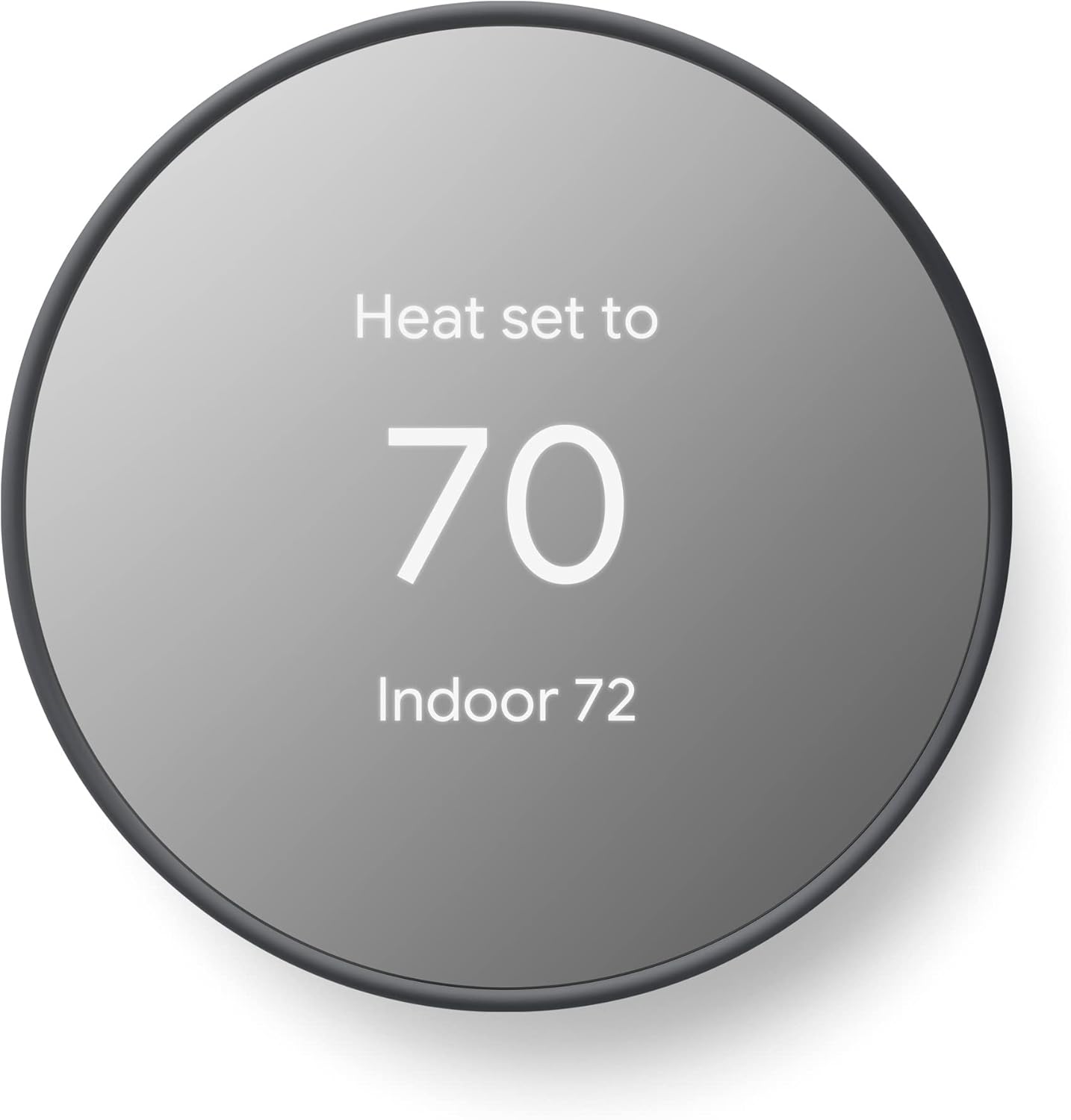
If you would rather start from a short list, these are popular options on Amazon for this search. Check each listing’s details, size and current price before you buy.



FAQ
Do learning thermostats actually save energy?
Learning thermostats can save energy if they create a setback schedule you previously did not have. The savings come from allowing the temperature to drift when you are away or asleep, not from the learning itself. If you already used a programmable schedule, the gain is smaller, and your home and habits matter more than the thermostat does.
Do I need a C-wire for a smart thermostat?
Many smart thermostats work best with a C-wire because it supplies continuous power. Some models are designed for homes without one, but you need to verify compatibility carefully, because the wiring method differs. Check the C-wire compatibility guide and the manufacturer’s instructions before buying.
Can I use one smart thermostat for multiple zones?
Usually not. In a typical zoned system, each zone has its own thermostat and control wiring, and a single thermostat manages only the zone it is connected to. If your home has multiple zones, you will need a thermostat for each one, and they can often be controlled from the same app.
What is a demand response event, and can I skip it?
A demand response event happens when your utility asks participating thermostats to adjust their setpoints during peak usage. You can usually skip an event by overriding the temperature or using the app’s opt-out option. Read your utility’s program rules to understand the override policy and any consequences before enrolling.
Choose the thermostat that fits your routine, your comfort needs, and your HVAC system. Learning models are convenient for consistent households, while programmable smart models give you clear control for unpredictable ones. Whatever you pick, verify compatibility, check for utility rebates, and turn off the power before you touch any wires. A comfortable home is the real goal, and the thermostat is just the tool that helps you get there.
About Claire Whitaker
Claire Whitaker is part of our editorial team and reviews and edits our smart home guides, checking product details against manufacturer specifications and owner feedback.





